| Sign Up For Our Newsletter |

| Sign Up For Our Newsletter |

Using a Radar chart in Excel to see the big picture
Charts in Excel allow you to quickly see patterns. However, sometimes it is hard to see the overall shape of the forest for the trees in your way. An Excel chart which might allow one to see the "Big Picture" more quickly is a Radar chart. To demonstrate the use of this type of chart, we will compare the average monthly temperature for three cities; a Northern hemisphere ocean moderated location, a Southern hemisphere ocean moderated location, and my home town Memphis, TN.
The sources I used for the temperature information are: http://www.weather.bm/data.html | http://www.auinfo.com/Sydney-climate.html | http://www.rssweather.com/climate/Tennessee/Memphis/
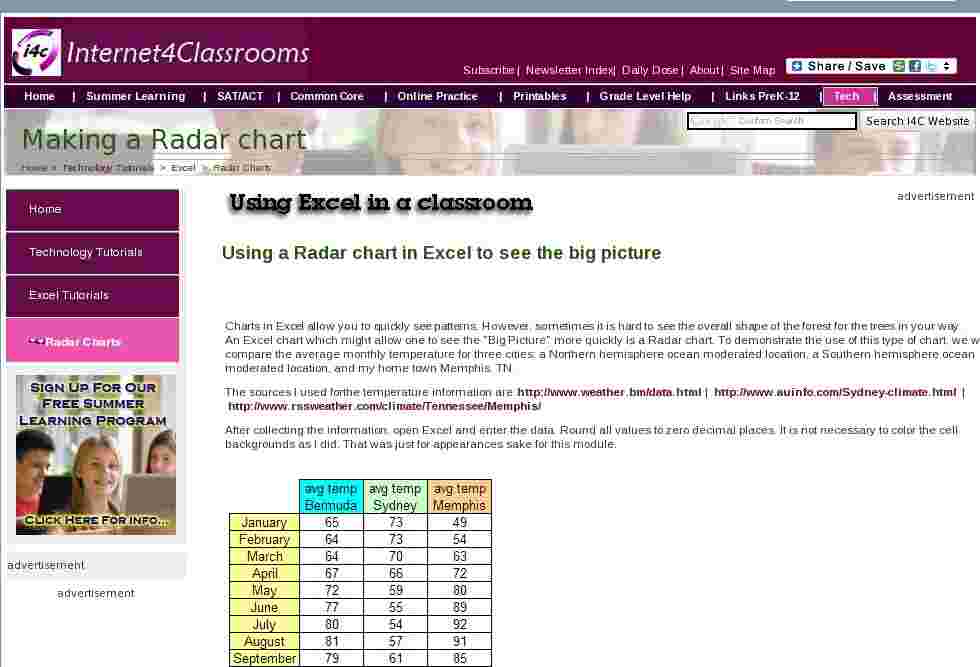
After collecting the information, open Excel and enter the data. Round all values to zero decimal places. It is not necessary to color the cell backgrounds as I did. That was just for appearances sake for this module.
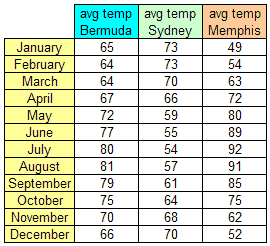
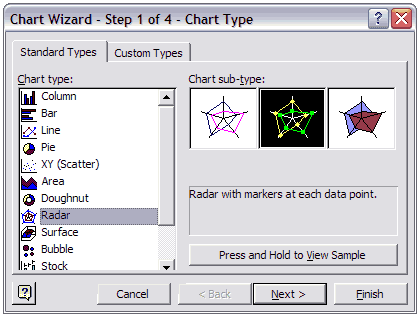
With your cursor in cell A1, select the Chart Wizard button or go to the Insert menu and select Chart . Select Radar from the Chart Type list, and then click Next .
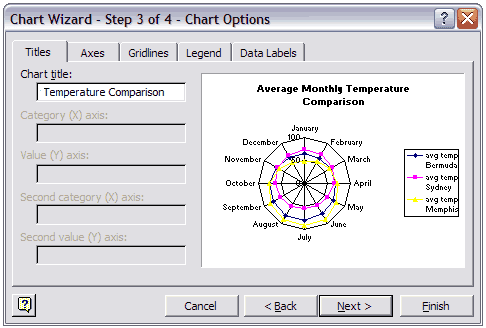
Step 2 of the Chart Wizard does not need to be changed, click on the Next button to move to Step 3 of the Chart Wizard. Enter a Chart title. Click the button labeled Next to go to Step 4 of the Chart Wizard.
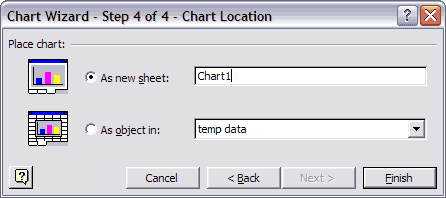
At Step 4 you have two choices. Select As new sheet to get a larger Radar chart.
The pattern in this data set is more clearly revealed using a Radar chart
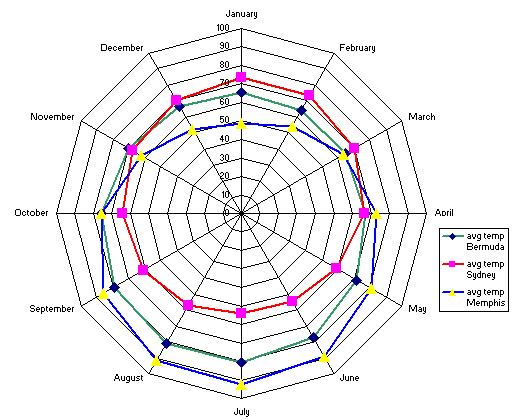
Another use of a Radar chart would be to compare the hours of daylight at various latitudes during the course of a year. Encarta has a chart showing hours of daylight by latitude which could be used as a data source. The workbook used to produce this module can be downloaded.
Let me know if you have any other ideas for using this feature of Excel. Bill Byles

Internet4classrooms is a collaborative effort by
Susan Brooks and Bill Byles.


advertisement
advertisement
Use of this Web site constitutes acceptance of our Terms of Service and Privacy Policy.