| Sign Up For Our Newsletter |

| Sign Up For Our Newsletter |
Phonics - CCSS RF.1.3
Links verified 02/28/2022
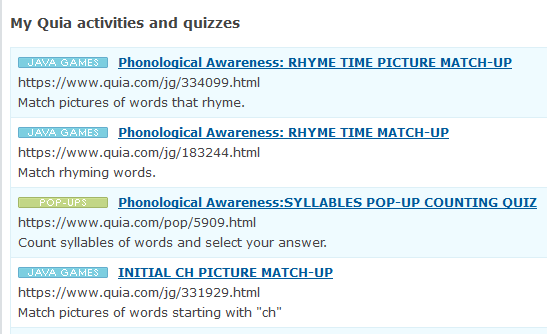
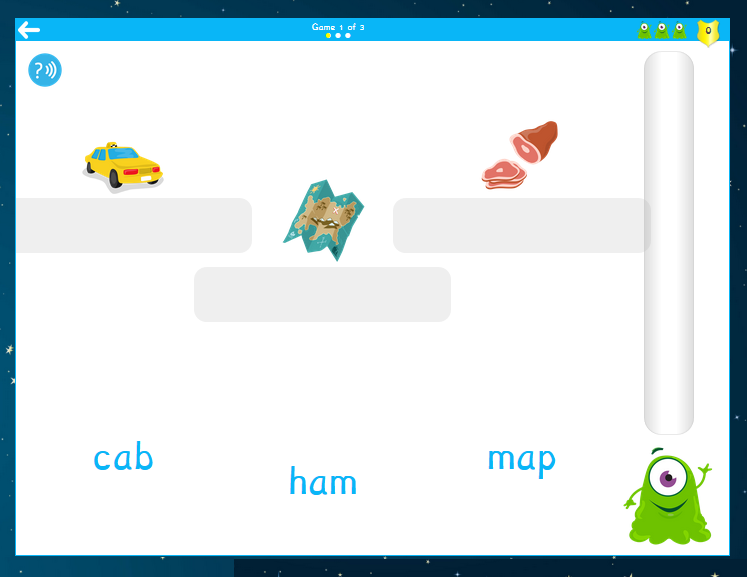
1. Beginning and ending sounds.
Click Image to Enlarge
Teacher selects for the student out of multiple games - digraphs - concentration style games. SEE MORE
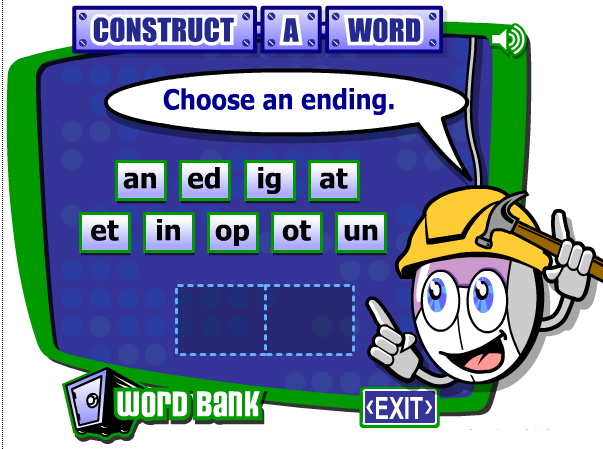
2. Construct A Word.
Click Image to Enlarge
Select an ending, then combine letters to create words. SEE MORE
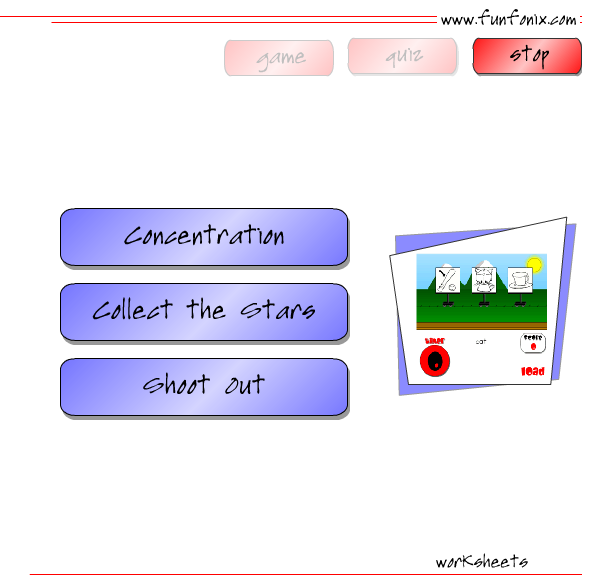
3. Fun Fonix.
Click Image to Enlarge
Select one of three games (concentration, collect the stars, & shoot out) and then play. Quiz also available. SEE MORE
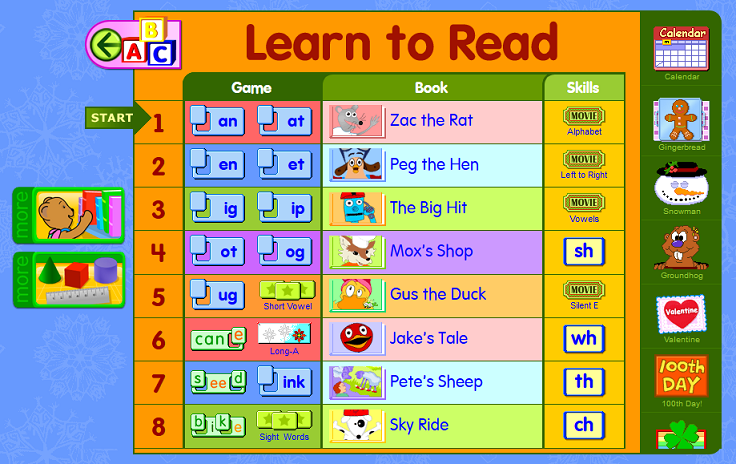
4. Learn to Read - Starfall.
Click Image to Enlarge
Easy to read stories that focus on a particular vowel sound along with quizzes on the same vowel. Long and short vowels included.15 separate stories and quizzes. SEE MORE
5. Missing Word.
Click Image to Enlarge
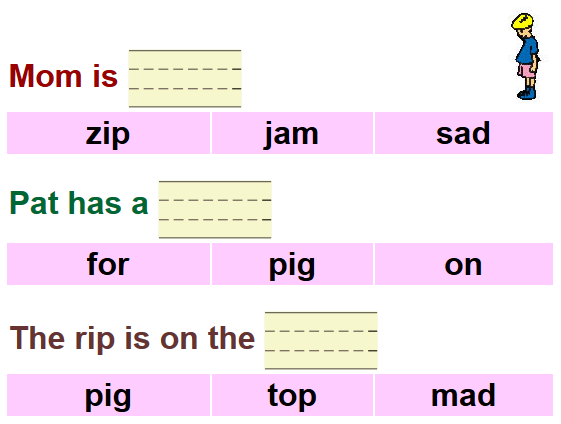
For these printable worksheets, choose the correct word to finish the sentence. Write that word in the space provided. SEE MORE
6. Phoneme Pop.
Click Image to Enlarge
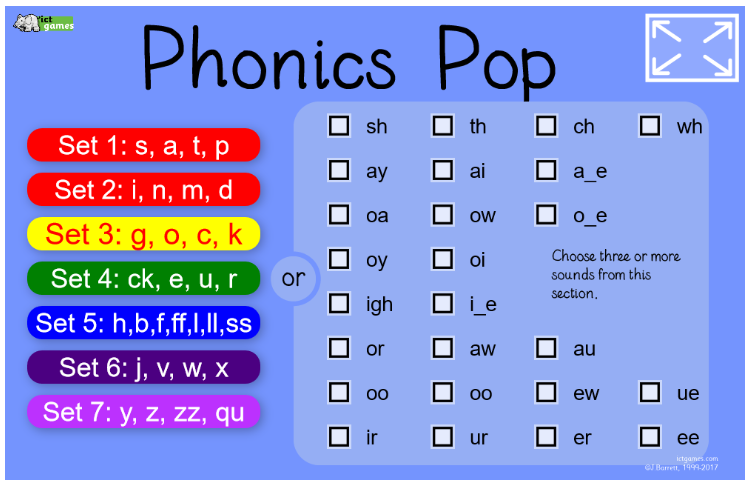
Phonics Pop is a mobile friendly bubble pop game. Choose a set of sounds to practice, or select from the digraph (2/3-letter sounds) checkboxes. Then listen to the target sound and pop as many as you can. SEE MORE
7. Phonics Bloom.
Click Image to Enlarge
A collection of fun phonics games aimed at all levels for use in schools and at home. SEE MORE
8. Phonics Games for 1st Graders.
Click Image to Enlarge
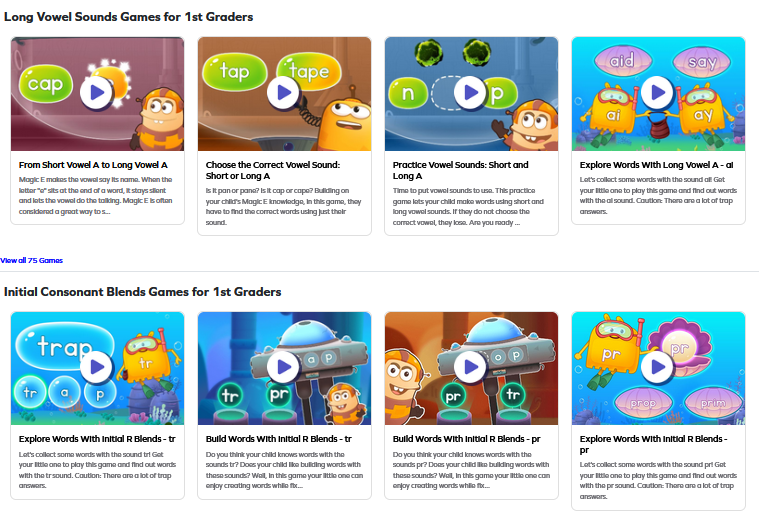
Help your kid learn to decode letters into sounds better with the use of Phonics Games for 1st graders from SplashLearn. SEE MORE
9. Read With Phonics.
Click Image to Enlarge
7 free online phonics games where students can practice a range of phonics skills from segmenting and blending, grapheme recognition, word comprehension, and much more! SEE MORE
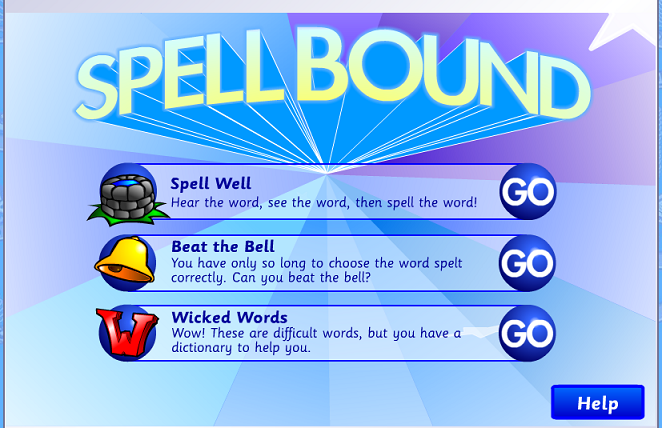
10. SpellBound.
Click Image to Enlarge
There are three different strategies: listening and responding; recognizing visual patterns; researching with dictionary. Select age and level before starting. SEE MORE

Internet4classrooms is a collaborative effort by
Susan Brooks and Bill Byles.


advertisement
advertisement
Use of this Web site constitutes acceptance of our Terms of Service and Privacy Policy.