| Sign Up For Our Newsletter |

| Sign Up For Our Newsletter |

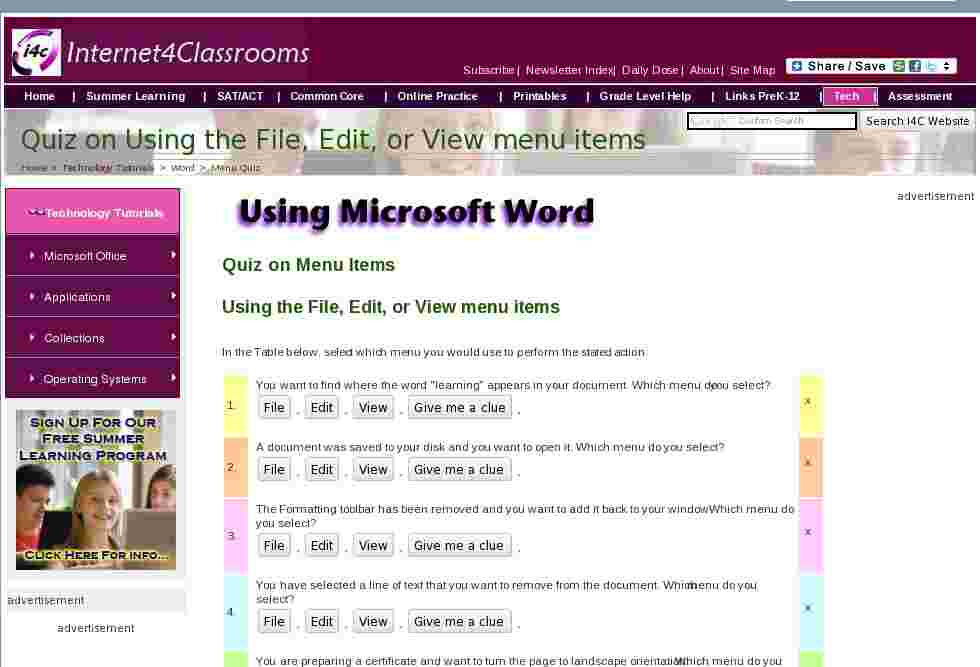
Quiz on Menu Items
Using the File, Edit, or View menu items
In the Table below, select which menu you would use to perform the stated action.
2. A document was saved to your disk and you want to open it. Which menu do you select?
x
3. The Formatting toolbar has been removed and you want to add it back to your window. Which menu do you select?
x
4. You have selected a line of text that you want to remove from the document. Which menu do you select?
x
5. You are preparing a certificate and want to turn the page to landscape orientation. Which menu do you select?
x
6. Rulers are missing from the top and side of the document and you want to display them on the screen. Which menu do you select?
x
7. Carriage returns have placed too many paragraph marks in your document and you want to remove all of them. Which menu do you select?
x
8. You have been working on a document and now want to save it with a different name. Which menu do you select?
x
9. Students have produced a report and they want to place "Group 4, Ms. Smith's Class" at the top of each page. Which menu do you select?
x
10. You have finished for the day and want to close Microsoft Word. Which menu do you select?
x
Go to Using Word menu items, part 2
Go back to Using Microsoft Word to Produce Classroom Documents

Internet4classrooms is a collaborative effort by
Susan Brooks and Bill Byles.


advertisement
advertisement
Use of this Web site constitutes acceptance of our Terms of Service and Privacy Policy.


