| Sign Up For Our Newsletter |

| Sign Up For Our Newsletter |

Standard Toolbar Button Quiz
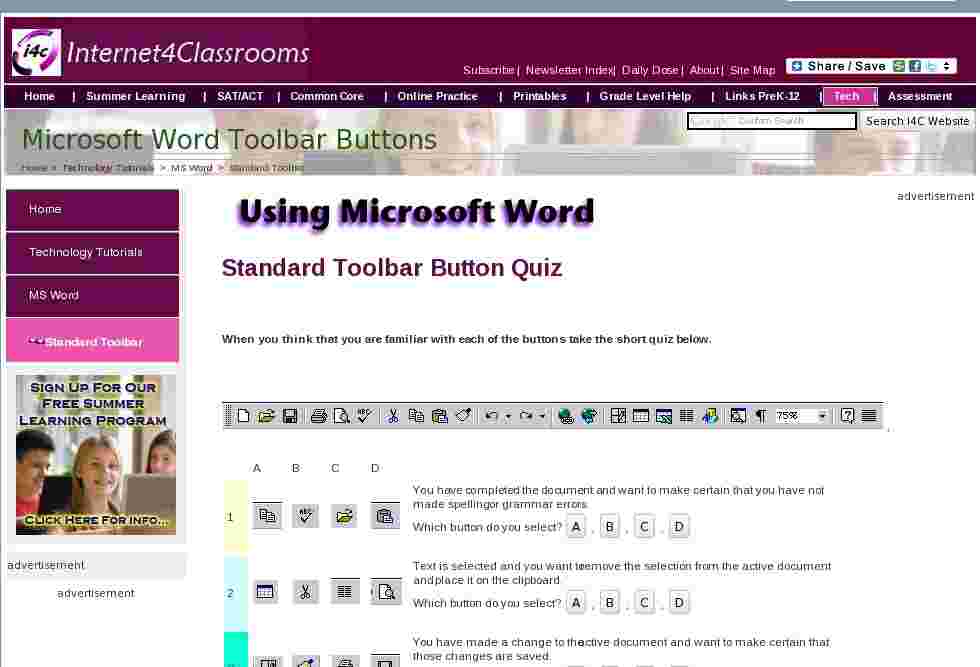
When you think that you are familiar with each of the buttons take the short quiz below.

1 


You have completed the document and want to make certain that you have not made spelling or grammar errors.
Which button do you select?2 


Text is selected and you want to remove the selection from the active document and place it on the clipboard.
Which button do you select?3 


You have made a change to the active document and want to make certain that those changes are saved.
Which button do you select?4 
A phrase will appear several times in the document. To save time you have selected the phrase and want to copy it.
Which button do you select?5 


The document had been checked for spelling errors, it has been saved, and now you are ready to print.
Which button do you select?6 A document which has been saved into a folder on your computer is to be opened so changes can be made.
Which button do you select?7 The document had been checked for spelling and has been saved. Before sending it to the printer you want to see how it will look.
Which button do you select?
Other toolbars
Standard | Formatting | Drawing | Customize
Go back to Using Microsoft Word to Produce Classroom Documents

Internet4classrooms is a collaborative effort by
Susan Brooks and Bill Byles.


advertisement
advertisement
Use of this Web site constitutes acceptance of our Terms of Service and Privacy Policy.